
NayaPay APK is the official Android app for creating and managing a NayaPay wallet, sending money, paying bills, receiving remittances and controlling NayaPay cards. Install it only from Google Play. The genuine Android package is com.nayapay.app, published by NayaPay.
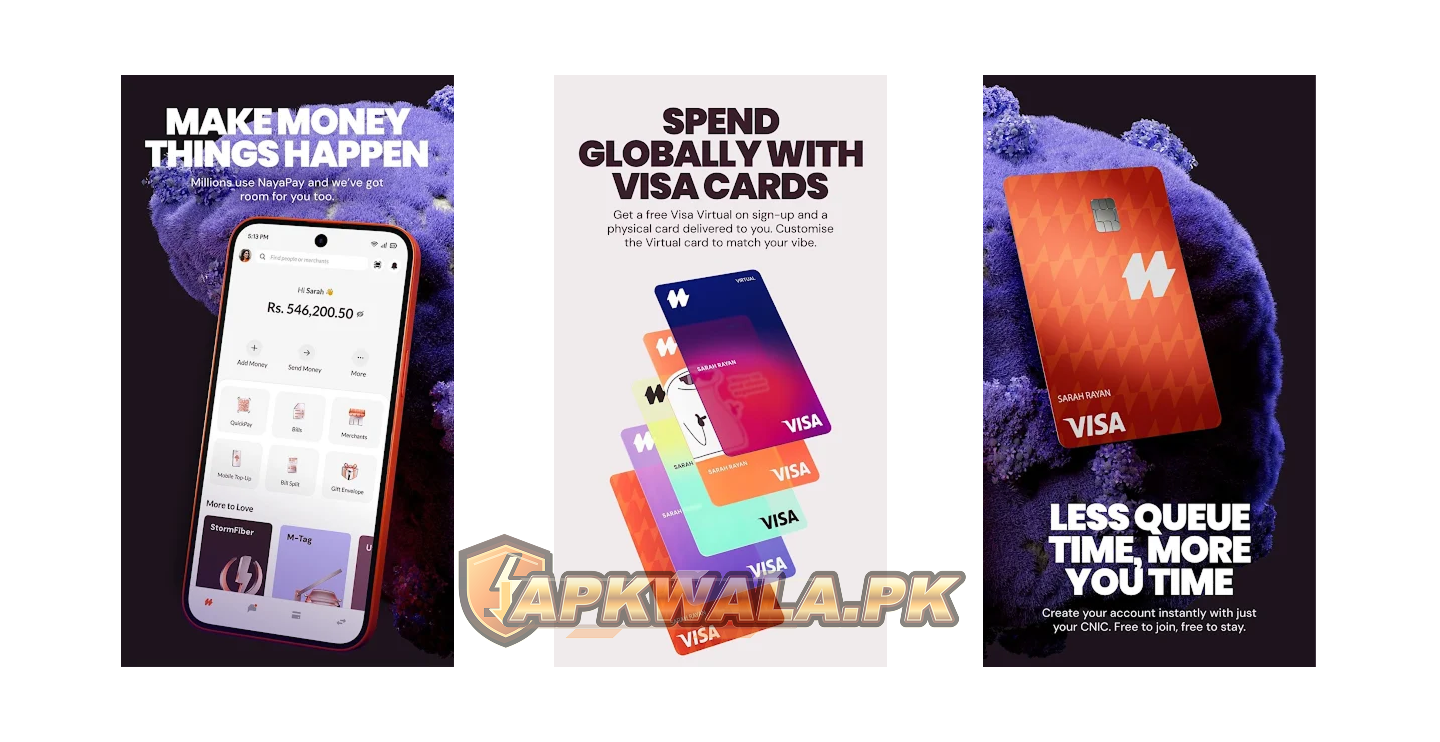
APKWala does not host, modify or re-sign this financial app. Files advertised as “NayaPay mod APK,” “unlimited balance” or “KYC bypass” cannot change a real wallet balance or approve an account. They can expose your CNIC, password, MPIN, OTP and card details.
NayaPay APK information
| App detail | Verified information |
|---|---|
| App name | NayaPay |
| Google Play publisher | NayaPay |
| Developer shown by Google Play | NAYAPAY (PVT.) LIMITED |
| Android package | com.nayapay.app |
| Google Play downloads | 5 million plus |
| Rating shown at review time | 4.6 |
| Last update shown | September 2, 2026 |
| Supported Android version | Android 12 and above |
| Main services | Wallet, transfers, bills, remittances, challan payments and card controls |
| Official support | NayaPay Help Center, in-app Dispute Center and (021) 111-222-729 |
| Official Android source | Google Play |
| Modified file hosted by APKWala | No |
We checked Google Play, the NayaPay Help Center and the State Bank of Pakistan EMI list on September 13, 2026. The Play page did not expose one public version number in our view. Android stores can deliver different builds to different devices, so we have not copied a version number from an APK archive.
The State Bank of Pakistan EMI list includes NayaPay (Private) Limited as a commercial Electronic Money Institution. SBP notes that inclusion is not an endorsement of an institution’s financial position or business model.
How to download NayaPay APK safely
Open the Play listing and check these details before tapping Install:
- The app name is NayaPay.
- The publisher is NayaPay.
- The Play address contains
id=com.nayapay.app.
A copied logo is not enough. Do not install a wallet file sent through WhatsApp, Telegram, a shortened link or a page promising free money. Google Play gives you the signed release intended for your phone and handles later updates.
This NayaPay APK download page points to Google Play rather than placing a financial-app file on APKWala’s server.
If the Play Store says the app is incompatible, check your Android version before looking for another file. NayaPay’s official operating-system support page says Android 12 and above are supported. Android 11 and older reached end of support on March 1, 2026. An archived APK cannot make an unsupported phone secure or restore server access.
Readers comparing Pakistan wallet apps can also use our SadaPay APK verification guide, Easypaisa APK login guide and JazzCash APK safety guide. Each page follows the same official-only download rule.
NayaPay APK latest version and update check
Google Play showed an update dated September 2, 2026 when this guide was reviewed. Since the public listing did not show a reliable universal version number, the safest version check is on your own phone.
Open Settings > Apps > NayaPay and scroll to the app details. Then open NayaPay on Google Play. If you see Update, install it there. If you see Open, Play considers the installed release current for that device.
Update Android as well if your phone is still on Android 11 or below. Back up personal photos and documents before a major system update. If the manufacturer no longer provides Android 12, use a supported phone rather than forcing an old NayaPay APK onto the device.
How to create and verify a NayaPay wallet
The current Play listing says a user needs a CNIC to start registration. NayaPay’s KYC guidance explains that the identity check is required for customer verification. The app may ask for your identity details, CNIC or NICOP images and a live photo.
Before starting:
- Use your own valid CNIC or NICOP.
- Keep the registered mobile number active in the phone.
- Clean the camera lens and use even light.
- Keep every edge of the document inside the frame.
- Avoid glare, blur, screenshots, photocopies and scanned copies.
- Enter your own email address and check it for a verification code.
NayaPay’s wallet pending or on-hold guide says verification normally takes a few minutes but can take up to two business days in some cases. A request can be placed on hold when identity details cannot be verified. Follow the correction shown inside the app. This is NayaPay’s stated process, not a time guarantee from APKWala.
APKWala cannot create or approve a wallet, change KYC status, raise an account limit or view private account records. Anyone promising paid approval outside the official app should be treated as a scam risk.
Roman Urdu KYC help
Agar NayaPay account verify nahi ho raha, original CNIC ya NICOP ki clear photo lein. Card ke corners frame ke andar hon aur number par glare na ho. Screenshot, scan ya photocopy upload na karein. App mein jo correction likhi ho usay theek karke dobara submit karein. CNIC kisi WhatsApp agent ko na bhejein.
NayaPay OTP not received
NayaPay uses one-time codes in more than one flow. A new-device login can send an OTP to the registered mobile number. Email verification sends a separate code to the email address saved in your profile.
For a login code:
- Confirm that the registered SIM has signal and can receive SMS.
- Turn airplane mode on for a few seconds, then turn it off.
- Check blocked and spam messages.
- Restart the phone and request one new code.
- Enter only the newest OTP because an older code may expire.
- Do not make repeated requests in quick succession.
For an email code, check Inbox, Spam, Promotions and any mail filter. NayaPay’s official email verification instructions say to use Send Again if the code is missing. An unverified email can limit sending money, paying bills and viewing transaction history.
Never tell an OTP to a caller or paste it into a form opened from a message. NayaPay states that its staff will not ask for your password, MPIN, OTP or debit-card PIN.
Roman Urdu OTP help
Agar NayaPay OTP nahi aa raha, registered SIM ka signal aur blocked SMS check karein. Phone restart karke sirf aik naya code mangwayein aur latest OTP enter karein. Email verification code ke liye Spam aur Promotions folder bhi dekhein. OTP kisi caller, shopkeeper ya online agent ko na batayein.
Forgot NayaPay ID or MPIN
If you forgot the NayaPay ID, tap Need help logging in? and then Forgot NayaPay ID. NayaPay’s current help page says the app verifies the request with codes sent to the registered mobile number and email address, then sends the NayaPay ID to both.
For an MPIN change, NayaPay’s instructions say to open More on the Home screen and choose Change MPIN. You can also call official Customer Service. The MPIN is a six-digit code used to approve transactions and open sensitive account information, so do not reuse a phone-unlock PIN that another person knows.
Five incorrect MPIN attempts can lock the wallet. The official account-unlock guide describes three possible routes: a security question arranged through Customer Service, in-app biometric verification, or biometric verification at a Meezan Bank ATM. Use the route shown for your account instead of guessing more codes.
Roman Urdu login help
Agar NayaPay ID bhool gaye hain to login screen par Need help logging in? use karein. MPIN bar bar guess na karein, kyun ke paanch ghalat attempts ke baad wallet lock ho sakta hai. Registered SIM aur email apne paas rakhein aur recovery sirf official app ya NayaPay support se karein.
NayaPay biometric verification failed
NayaPay lets eligible users upgrade wallet limits with in-app fingerprint verification. Its official wallet-upgrade guide says the phone needs location access, a rear camera of at least 5 MP and a flashlight.
If the fingerprint scan fails:
- Update NayaPay and restart the phone.
- Allow camera and precise location access while using the app.
- Clean the rear camera lens and your fingers.
- Put the fingers close together inside the on-screen frame.
- Use a plain background and enough light for a sharp image.
- Turn off VPN and location-spoofing tools.
- Stop after a retry warning and use the official alternative.
NayaPay also documents biometric verification through participating Meezan Bank ATMs. Take your original CNIC and use the mobile number registered with the wallet. You do not need a modified app or a paid agent for this process.
Users handling a separate NADRA identity task can read our Pak Identity APK guide. Pak Identity does not replace NayaPay’s own KYC or biometric flow.
Roman Urdu biometric help
Agar NayaPay biometric verification fail ho rahi hai, camera lens aur fingers saaf karein. Location aur camera permission on honi chahiye. Fingers ko paas rakh kar plain background aur achi roshni mein scan karein. Phir bhi masla ho to official Meezan Bank ATM wala option check karein.
NayaPay card or payment not working
A failed card transaction can have several causes. NayaPay’s official failed-transaction guide lists insufficient funds, frozen card controls, saved card details at a merchant, risky merchants and restricted transaction types among the possibilities.
Check these items before retrying:
- The card is active in the Cards tab.
- The wallet has enough money for the full charge and any displayed fee.
- The card number, expiry date and CVV are current.
- A replaced or frozen card is not saved for a subscription.
- The merchant and transaction type are allowed.
- The app shows no account or verification restriction.
Do not keep submitting an international payment after repeated failures. NayaPay currently applies a failed international transaction policy after the stated allowance, so read the current fee screen before another attempt.
If money was deducted, open the transaction and note its status, merchant, amount, date and reference. Do not pay twice until you know whether the first attempt is pending, completed, reversed or disputed. NayaPay’s complaint page directs users to Customer Service or the in-app Dispute Center for a dispute.
Freeze a lost card immediately in the app or call the number published in the NayaPay Help Center. APKWala cannot reverse a transfer, release a pending payment, file a dispute or contact NayaPay on your behalf.
Roman Urdu payment help
Agar NayaPay card payment nahi ho rahi, Cards tab mein card active check karein. Balance, expiry aur CVV dobara dekhein. Purana card merchant website par saved ho to remove karein. Amount deduct ho gaya ho to payment repeat karne se pehle transaction status aur reference save karein.
NayaPay app not working on Android
If NayaPay APK closes, freezes or stays on the loading screen, try this order:
- Confirm the phone runs Android 12 or newer.
- Restart the phone.
- Update NayaPay through Google Play.
- Update Android System WebView, Chrome and Google Play services.
- Free storage space if the phone is nearly full.
- Turn off VPN, Private DNS, app cloning and screen overlays for one test.
- Switch once between trusted Wi-Fi and mobile data.
- Clear the NayaPay cache and reopen the app.
Clearing app storage signs you out and removes local settings. Do that only when you control the registered SIM and email, know your recovery details and can complete verification again.
A service outage cannot be fixed with an APK downgrade. Record the exact error, phone model, Android version and time of failure, then use official support. “Not working” alone gives a support agent very little to investigate.
Reinstall NayaPay APK only after confirming that you can receive the recovery code on the registered number and email.
NayaPay old version risks
Old NayaPay files may appear on APK repositories, but Android 11 and lower are no longer supported under NayaPay’s current policy. An archived build may install yet fail during login, KYC, transfers, biometric verification or card approval because those checks depend on current server rules.
Do not downgrade when Google Play offers an update, the file signature cannot be verified, or installation requires disabling Play Protect. An old build cannot unlock a wallet, restore an expired OTP, remove a KYC hold or increase transaction limits.
NayaPay Business is a separate service
The personal Android wallet and NayaPay Business serve different account types. NayaPay’s current business material covers registered companies and business finance tools, including payments, invoices, expense tracking and corporate cards. Do not create a personal-wallet account when you need a business account, or submit business documents into the personal app unless NayaPay specifically instructs you.
Use the official NayaPay Business page to check current eligibility and access. Business onboarding, limits and approvals can change, and a consumer NayaPay APK does not bypass them.
Privacy, scams and account safety
Google Play says the app may collect location, personal information and other data types, encrypts data in transit, and provides a way to request deletion. Those are developer disclosures, not an independent security audit by APKWala.
Use a private MPIN and a screen lock. Hide your balance, CNIC, full card number, CVV, OTP and transaction reference before sharing a screenshot. If a caller asks you to install a remote-access app or enable Android Accessibility, end the call and contact NayaPay through a number or address published on its official site.
NayaPay APK should come from Google Play, run on a supported Android version and remain updated. For account restrictions, payment disputes or suspected fraud, use NayaPay’s in-app tools or official Customer Service rather than an APK website.
NayaPay APK FAQs
What is the official NayaPay package name?
The official Android package is com.nayapay.app. Google Play shows NayaPay as the publisher.
What is the latest NayaPay version?
Google Play showed an update dated September 2, 2026 when checked on September 13, 2026. It did not expose one universal version number in our view, so check your own Play listing and App details.
Why is NayaPay unavailable on my phone?
NayaPay’s current support page requires Android 12 or above. Android 11 and older reached end of support on March 1, 2026.
How long does NayaPay verification take?
NayaPay says wallet verification normally takes a few minutes but can take up to two business days in some cases. An on-hold request needs the correction shown inside the app.
Why is my NayaPay account locked?
Five incorrect MPIN attempts can lock the wallet. Use the official security-question, in-app biometric or Meezan Bank ATM route shown for your account.
Can a modified APK increase my balance or limits?
No. NayaPay controls balances, identity checks and limits on its systems. A modified file can put your money and personal data at risk.